Corsair Katar Pro Review
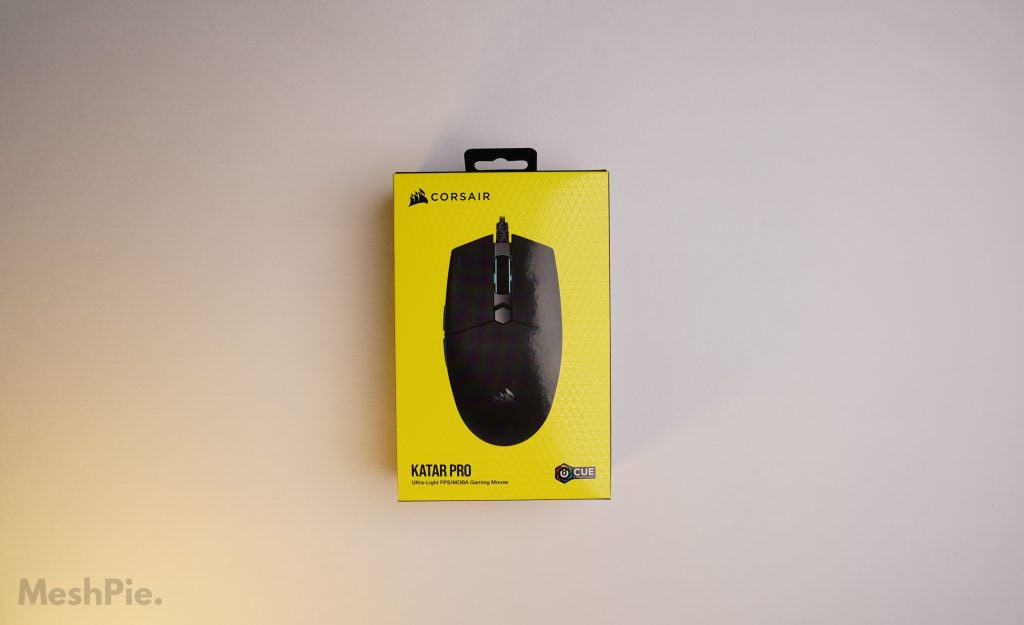
The Corsair Katar Pro remains one of the best budget gaming mice you can buy in 2026. With its ultra-light 73g design, reliable PMW3391 sensor, and a price that still undercuts most competitors, this mouse has aged remarkably well since its launch. If you are shopping for a wired gaming mouse under $30 or around Rs. 1,500, the Katar Pro deserves your attention.
In this updated review, we break down the design, performance, software, and value of the Corsair Katar Pro to help you decide if it is still the right pick for your setup in 2026.
Design and Build Quality
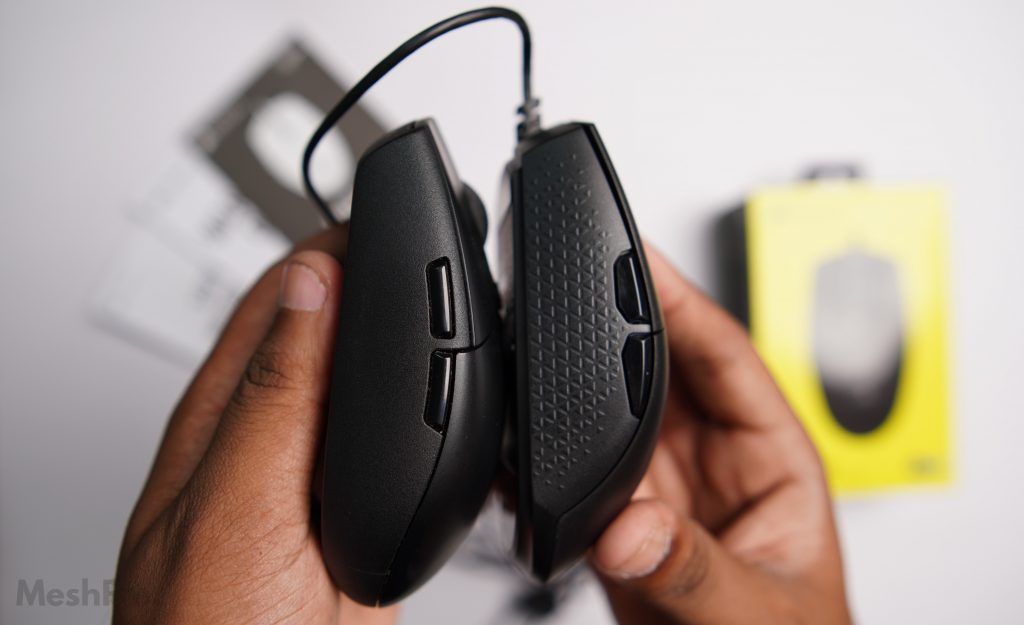
The Corsair Katar Pro features a symmetrical, ambidextrous shape designed primarily for claw and fingertip grip users. It works best for right-handed users since the two side buttons sit on the left edge. The mouse weighs just 73 grams (without the cable), making it one of the lightest wired gaming mice in its price bracket. A subtle side texture on both sides provides extra grip during intense gaming sessions.
Compared to the Logitech G304 and G102, the Katar Pro offers noticeably better side grip. The plastic build feels solid for its price point, and the matte finish resists fingerprints well. If you are looking for a lightweight mouse for fast-paced FPS games, this design holds up well even by 2026 standards.
Specifications
| Sensor | PMW3391 (Corsair’s version of PMW3360) |
| Maximum DPI | 18,000 DPI |
| Switches | Omron (rated 50M clicks) |
| Programmable Buttons | 6 |
| Weight | 73g (without cable) |
| Cable | 1.8m Drag-Reducing Paracord |
| Backlighting | 1 Zone RGB |
| Report Rate | 1000Hz / 500Hz / 250Hz / 125Hz |
| Connectivity | Wired USB |
| Software | Corsair iCUE |
| Warranty | Two years |
The PMW3391 sensor is essentially Corsair’s tuned version of the renowned PMW3360. In practice, it delivers flawless tracking with no acceleration or smoothing up to 18,000 DPI. The Omron switches feel crisp and responsive, with a rated lifespan of 50 million clicks.
Performance and Gaming Experience
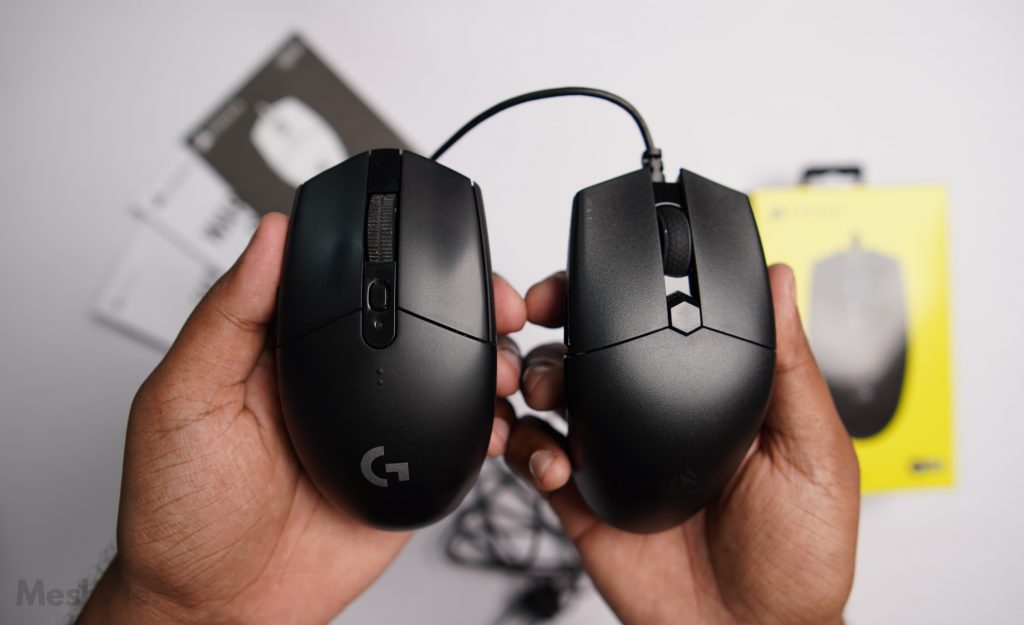
In real-world gaming, the Corsair Katar Pro punches well above its price. The 73g weight makes flick shots and fast mouse movements feel effortless in games like Valorant, CS2, and Apex Legends. The paracord-style cable is flexible and drag-reducing, so it barely gets in the way even during fast-paced play.
The 1000Hz polling rate ensures minimal input lag. For claw-grip players, the compact shape allows quick micro-adjustments without feeling cramped. The side buttons are well-positioned and have a satisfying click. If you play MOBA or battle royale games, the six programmable buttons give you enough flexibility for key binds.
For more tips on optimizing your gaming setup, check out our guides on how to choose your ideal gaming mouse and lowering GPU temperatures for better performance.
Corsair iCUE Software
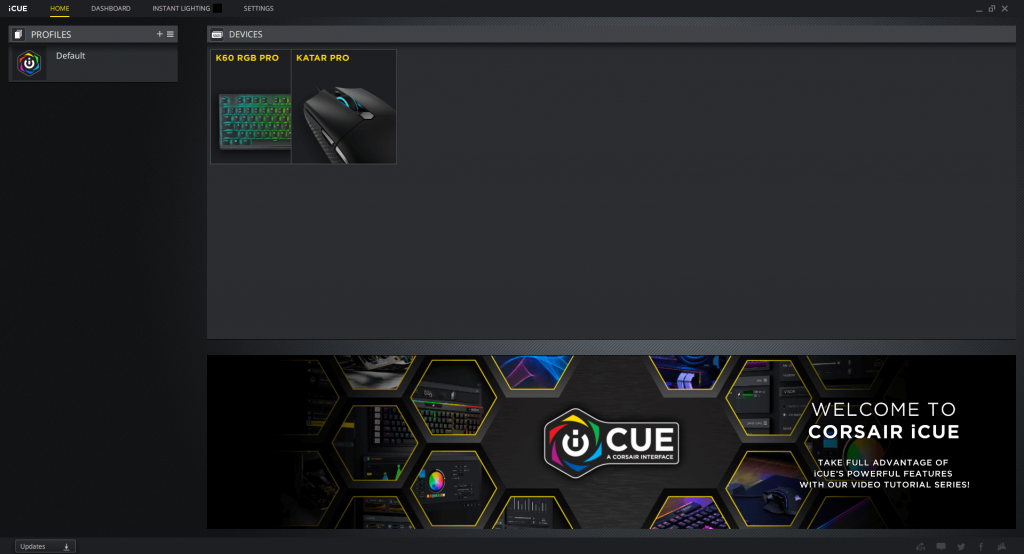
Corsair’s iCUE software gives you full control over the Katar Pro. You can remap all six buttons, adjust DPI in 1-step increments, set custom RGB lighting for the single-zone backlight, and create game-specific profiles. The onboard memory stores one profile, so your settings travel with the mouse even to a different PC.
iCUE has improved significantly over the years and is now more lightweight than its earlier versions. The interface remains intuitive and responsive.
Pricing and Availability
As of July 2026, the Corsair Katar Pro is widely available on Amazon and other major retailers. The typical price hovers around $25 to $30 USD or approximately Rs. 1,500 in India, making it one of the best value options in the budget gaming mouse segment.
If you are also exploring other peripherals, check out our reviews of the Corsair K60 RGB Pro keyboard and the HyperX Fury Ultra mousepad to complete your setup.
Final Verdict
The Corsair Katar Pro remains a top-tier budget gaming mouse in 2026. Its combination of a 73g ultra-light design, a reliable PMW3391 sensor, Omron switches rated for 50 million clicks, and a flexible paracord cable is hard to beat at this price point. It is an excellent choice for claw and fingertip grip users who play FPS, battle royale, or MOBA games.
The main trade-off is the lack of wireless connectivity, but for the price, the wired performance here is outstanding. If you want a lightweight mouse that delivers consistent, lag-free performance without breaking the bank, the Corsair Katar Pro is still one of the easiest recommendations we can make.
For more gaming gear advice, read our guide on how to pick the right gaming mouse and see our budget gaming PC build guide for a full setup idea.