Online advertising keeps many websites free, but intrusive pop-ups, tracking cookies, and malicious ads have made ad blockers almost essential. If you use Google Chrome, installing a good ad blocker can speed up your browsing, protect your privacy, and block annoying advertisements. Here are the best free ad blocker extensions for Chrome you can install today.
Why do you need an ad blocker?
Every website you visit tries to build a profile of your interests. Some use tracking scripts, others serve aggressive pop-ups that slow down your system. In worse cases, ads can hide malware or crypto-jacking code that hijacks your hardware. An ad blocker stops all of this before it reaches your browser.
How does an ad blocker work?
Ad blockers inspect what your browser is about to render and compare it against filter lists. If a resource matches a known ad or tracker, it gets blocked. If not, it loads normally. The best extensions update their filter lists regularly so you stay protected against new threats.
1. AdBlock
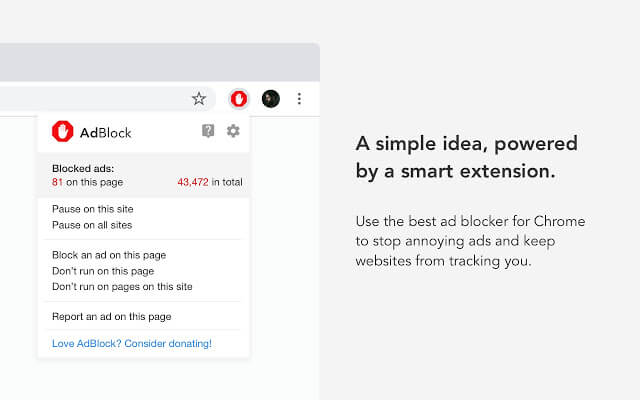
AdBlock is one of the most popular ad blocker extensions for Chrome with over 60 million users and 350 million downloads. It blocks ads on YouTube, Facebook, Twitch, and thousands of other sites. It also protects against malware and prevents advertisers from tracking your search history.
Features
- Block pop-ups, banners, and video ads on YouTube, Facebook, Twitch, and more
- Block third-party trackers to protect your privacy
- Block malicious ads containing malware, scams, and cryptocurrency miners
- Improve page load times for a faster browsing experience
- Custom filters, whitelists, dark mode, and colorful themes
- Backup and sync whitelists across Chrome profiles
2. Ghostery
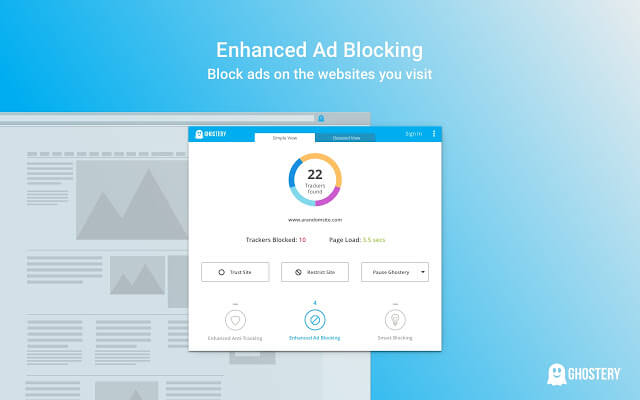
Ghostery is built for privacy. It blocks ads, site analytics scripts, and adult advertising trackers. You can customize blocking levels to suit your needs. Ghostery anonymizes unblocked trackers with its anti-tracking feature. A free tier covers all essentials, while a premium plan at $2 per month adds themes, advanced blocking stats, and priority support.
3. AdBlocker Ultimate
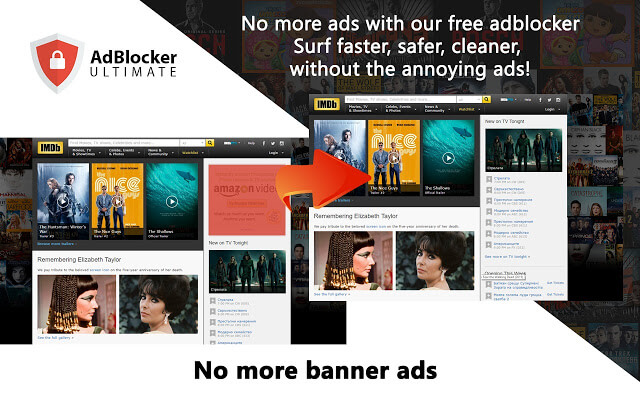
AdBlocker Ultimate blocks every type of ad with no whitelist. There is no way for any ad or pop-up to slip through. This makes it ideal for protecting yourself from phishing schemes and malicious downloads disguised as tempting offers.
Features
- Remove all ads with no exceptions
- Block malware and tracking scripts
- Improve browser performance by removing unwanted content
- No “acceptable ads” or whitelisted networks
4. uBlock Origin
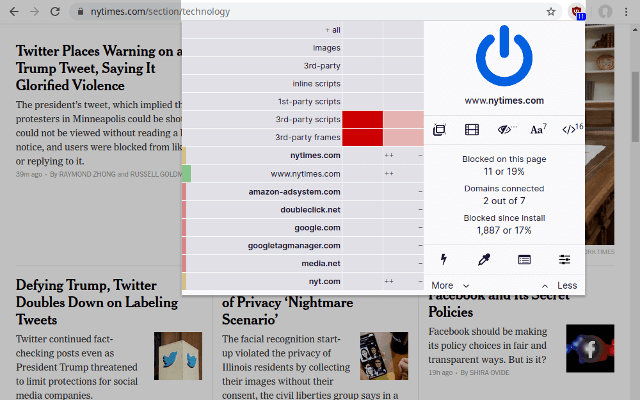
uBlock Origin is a lightweight yet powerful ad blocker. It uses top-tier filter lists including EasyList, Easy Privacy, Peter Lowe’s Ad Server list, and Malware Domains. You can independently toggle blocking for pop-ups, large media elements, cosmetic filtering, remote fonts, and JavaScript. Its low resource usage makes it ideal for Chrome, which is known for being memory-hungry.
Features
- EasyList for ads
- Easy Privacy for tracking protection
- Peter Lowe’s Ad Server list for ads and tracking
- Malware domain blocking
5. Fair AdBlocker
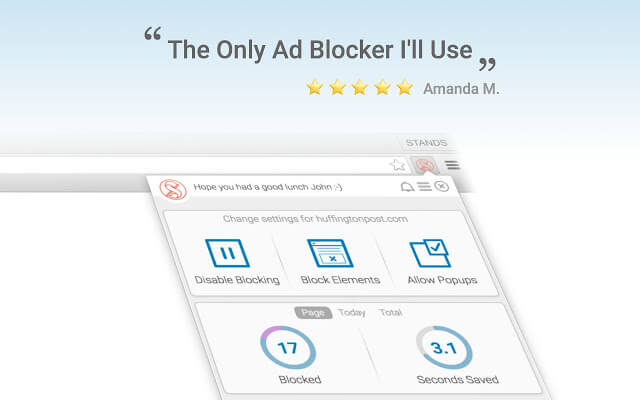
Fair AdBlocker is highly rated for its robust pop-up blocking. It blocks overlay ads, expanding ads, and ads inside email accounts like Yahoo and AOL. It prevents videos from autoplaying and offers advanced filters for blocking ads on Facebook and Google search results.
Features
- Strong pop-up blocking
- Optional whitelisting to support your favorite sites
- Faster and more efficient than AdBlock Plus
- Smart algorithms to identify malware and pop-ups
6. Adblock Plus
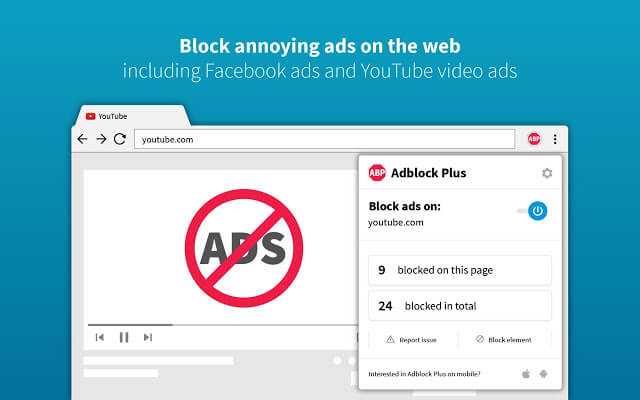
Adblock Plus blocks intrusive ads and trackers but allows “acceptable ads” through to support websites. Its open-source code lets developers customize and add features. It is one of the most established ad blockers with strong community support.
Features
- Block annoying video ads and banners
- Block pop-ups
- Stop tracking for more privacy
- Fight malicious malvertising
- Faster browsing by blocking unnecessary resources
- Custom whitelisting for favorite sites
7. AdGuard
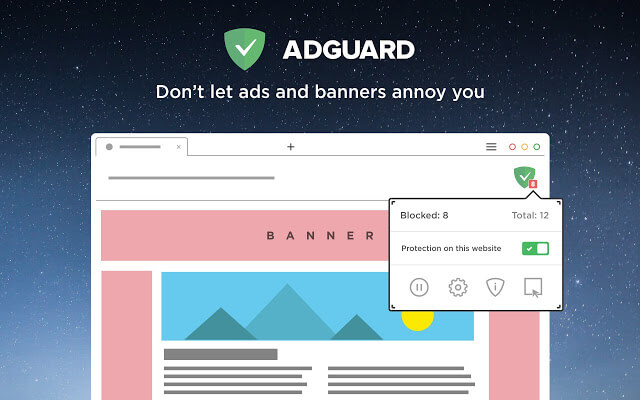
AdGuard blocks all types of ads including video ads on YouTube and Facebook, rich media ads, pop-ups, banners, and text ads. It speeds up page loading, saves bandwidth, and protects your privacy by blocking third-party tracking systems. AdGuard also blocks spyware, adware, and phishing attempts. For full protection, AdGuard recommends its desktop and mobile apps alongside the browser extension.
Features
- Blocks all ads including YouTube video ads and Facebook ads
- Speeds up page loading and saves bandwidth
- Protects privacy by blocking third-party trackers
- Blocks spyware, adware, and dialer installers
- Protects against malware and phishing
Looking for other ways to improve your Chrome experience? Check out our guide to the best Chrome themes to customize your browser’s look. If you are dealing with connection issues, our guide on how to fix error code 43 can help. And if you need better privacy, here are the best free VPN extensions for Chrome to pair with your ad blocker.