

Director Mode camera compatibility depends on your exact Canon or Sony model and how you connect it. Claudio Ripalti’s iPhone and iPad app supports the Sony FX30 over Wi-Fi or USB-C on the free Basic tier. Sony α6700 support remains unconfirmed. If you use a Canon EOS R5 Mark II, start with Wi-Fi on Basic and upgrade to Pro if you need a direct USB-C connection.
- Director Mode camera compatibility by model
- Does Director Mode work with the Sony α6700?
- Director Mode Basic vs. Pro
- When to use Wi-Fi, USB-C or Ethernet
- Wi-Fi for cameras spread around a room
- USB-C when you’re next to the camera
- Ethernet for a compatible Cinema EOS camera
- A five-step check before a two-camera interview
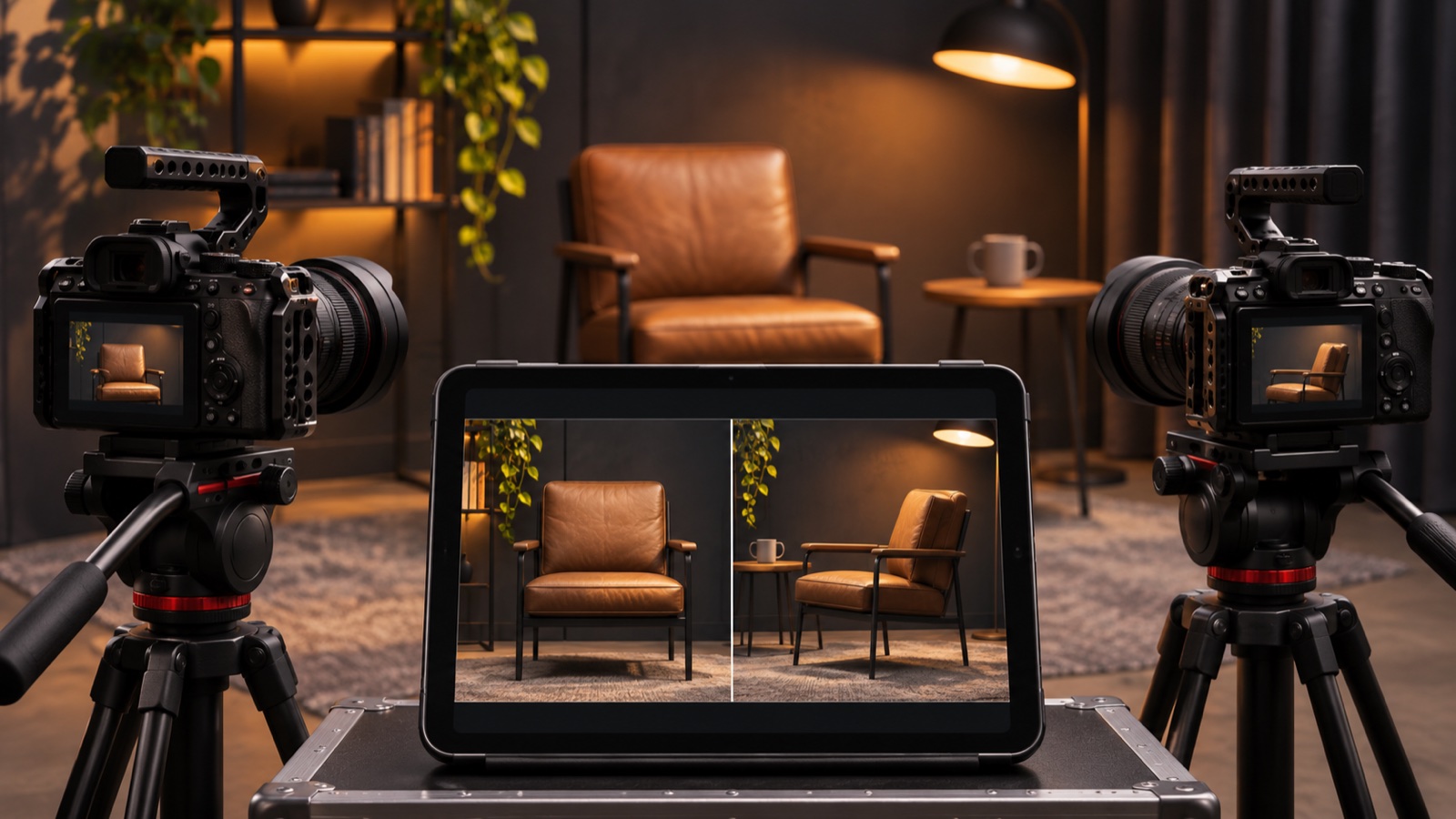
Basic covers one camera. Pro lets you monitor up to four compatible cameras, so if you’re covering an interview alone, you can check the wide shot and close-up on one screen before you roll. The controls you get depend on each camera.
Director Mode camera compatibility by model
This table groups models that share the same tier requirements. It follows the developer’s detailed comparison chart. Look up your model there before buying an adapter or the Pro upgrade.
| Camera family and models | Connection and tier |
|---|---|
| Canon Cinema EOS C50, C80 and C400 | Wi-Fi or LAN via Canon XC. Basic for one camera. Check model-specific Ethernet requirements. |
| Canon Cinema EOS C70, C300 Mark III and C500 Mark II | Network control via Canon XC. Wi-Fi requires a compatible external adapter. Basic for one camera. |
| Canon EOS R1, R5 Mark II, R6 Mark III, R6 Mark II, R6 V, R8, R8 Mark II and R50 V, plus PowerShot V1 | Wi-Fi via Canon CCAPI in Basic. Direct USB-C requires Pro. |
| Sony FX2, FX3, FX3A and FX30 | Wi-Fi or direct USB-C in Basic. |
| Sony α1, α1 II, α9 III, α7S III, α7R VI, α7 V and α7C II | Wi-Fi or direct USB-C in Basic. |
The Irish App Store description and the developer’s comparison table differ in a few places. For example, Apple lists the Sony FX5, but the developer’s tier table doesn’t give it a row. If you own an FX5, confirm the connection and controls with the developer or try your own body in Basic before planning a shoot around it.
Does Director Mode work with the Sony α6700?
The α6700 does not appear in the developer’s public chart or the Irish App Store description we checked. Its compatibility is unconfirmed. If you already have an α6700, check with the developer about your intended connection before buying Pro. The FX30 has its own entry covering both Wi-Fi and USB-C, so look up the exact body rather than relying on a similar model name or sensor format.
Director Mode Basic vs. Pro
| What you need | Which tier covers it |
|---|---|
| Monitor or control a single compatible camera over Wi-Fi | Basic |
| Connect a supported Sony body by USB-C | Basic |
| Connect a supported Canon EOS R body by direct USB-C | Pro |
| See up to four cameras on one screen and start or stop recording across the group | Pro |
| Use tools such as waveform, focus peaking or custom LUTs on supported setups | Pro |
The Irish App Store lists Director Mode as free to download, with Pro at €29.99 when checked on 10 November 2026. Apple lists iOS 17.6 or iPadOS 17.6 as the minimum. Direct wired control requires an iPhone or iPad with a USB-C port. If you have a Lightning device, start by checking the supported Wi-Fi setup for your camera.
When to use Wi-Fi, USB-C or Ethernet
Wi-Fi for cameras spread around a room
Put the camera and your mobile device on the same network. Start with one camera and check the feed from where you’ll actually stand. If you plan to control focus from the tablet, check that the body supports the focus controls you want and that the image responds quickly enough in that room.
USB-C when you’re next to the camera
A direct cable is useful when the tablet sits beside a camera or the venue’s wireless network is busy. Choose a data cable and check the app’s instructions for your camera. With a Canon body that requires Pro for USB-C, you can still try the free Wi-Fi workflow first to see whether the app exposes the controls you need.
Ethernet for a compatible Cinema EOS camera
In a wired Canon XC setup, the iPhone or iPad must still be on the same local network. Read the equipment notes for your camera before buying parts. The developer lists a USB-C Ethernet adapter and Canon’s DR-E6P DC coupler for wired LAN on the EOS C50. For Wi-Fi on the C70, C300 Mark III or C500 Mark II, check Canon’s supported accessories for your exact camera and firmware before buying an adapter. See Canon’s EOS C70 support page for the C70 requirements.
A five-step check before a two-camera interview
- Find your exact camera in the developer’s chart. Read its entry for the connection, required adapters and the controls you need.
- Pair one camera using the tier your connection requires. For example, direct USB-C on a supported Canon EOS R body requires Pro. For Wi-Fi, put the camera and the iPhone or iPad on the same network. For wired control, use a USB-C data cable and check the camera’s connection settings.
- From your operating position, check the feed, adjust one setting you expect to use, then start and stop a short recording. Play it back from the camera media.
- Add the second camera and repeat the test. In Pro, try group recording and check that every body starts, stops and saves its own clip.
- Rehearse with the actual camera positions and network you plan to use. If a feed drops, test that body on its own and confirm its recording status at the camera before continuing.
If your goal is to feed a Canon camera into OBS or a video call on a computer, see our Canon EOS Webcam Utility setup guide. That guide covers the desktop workflow. Director Mode is useful when you want to watch and control your cameras from a phone or tablet on set.
Compatibility and pricing checked on 10 November 2026 against the developer’s camera and connection chart and the Irish App Store listing. Meshpie hasn’t run a hands-on test with these camera bodies.

